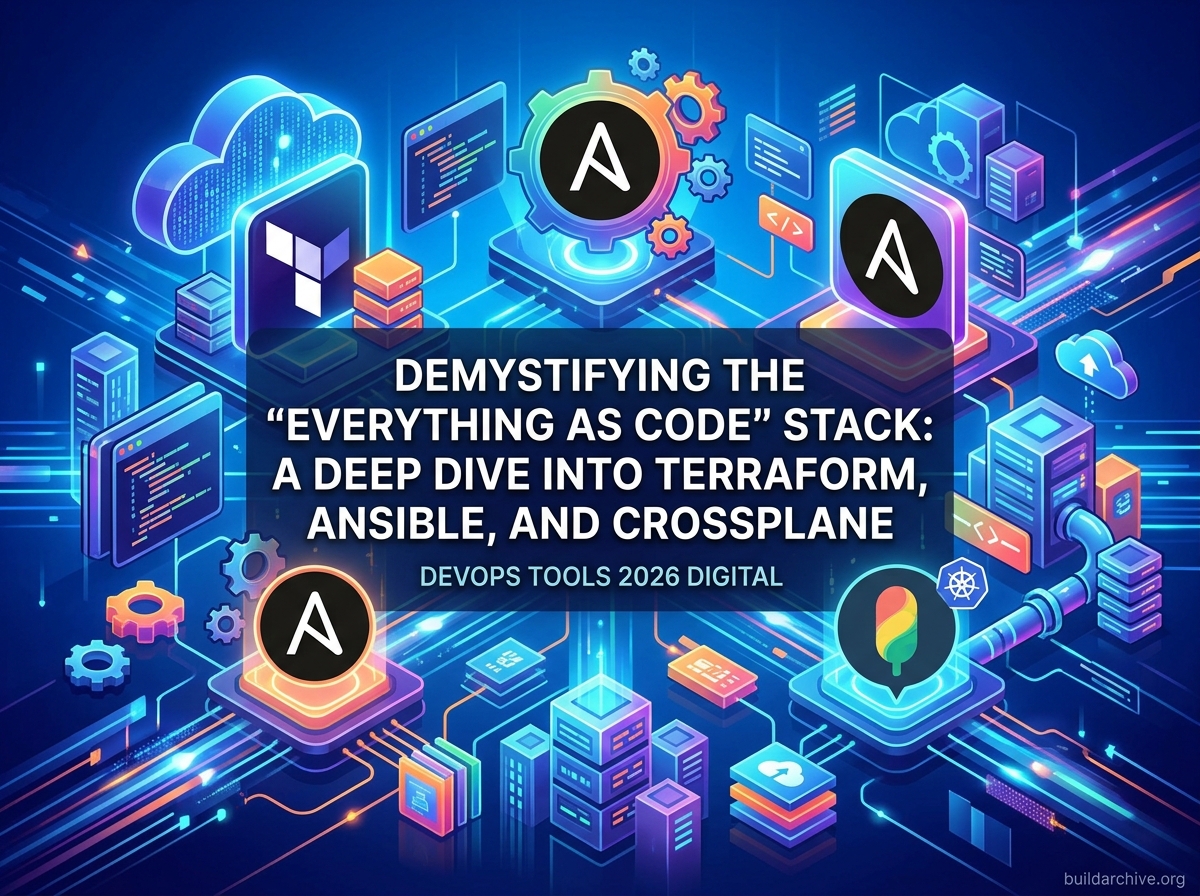
I’ve been running a Proxmox homelab for a couple of years now, and the single biggest quality-of-life improvement came not from buying better hardware, but from stopping manual configuration entirely. Once I started treating every VM, every network segment, and every Docker Compose file as code stored in Git, deployments became reproducible and debugging became dramatically faster.
The Core Philosophy: Why Code Your Infrastructure?
In the old world of IT, if a developer needed a database, they would open a ticket. A sysadmin would manually click through a cloud console or run a series of bespoke bash scripts. This led to Configuration Drift — where the staging environment looked nothing like production, causing deployments to fail in mysterious ways.
Infrastructure as Code (IaC) solves this by providing three critical benefits. The first is idempotency: the ability to run the same code multiple times and always achieve the exact same result without breaking things. The second is version control: since your infrastructure is a text file, you can track changes in Git, perform peer reviews, and roll back to a previous known-good state. The third is speed and scale: you can provision 100 servers in the same time it takes to provision one.
The Heavy Hitters: Terraform vs. Ansible
One of the most common points of confusion for newcomers is the difference between provisioning and configuration management. While the lines are blurring, understanding the distinction is key to building a robust stack.
Terraform: The Orchestrator of Resources
Terraform, created by HashiCorp, is the industry standard for provisioning. It uses a declarative language called HCL (HashiCorp Configuration Language). In a declarative model, you describe the end state you want — for example, three AWS EC2 instances and an S3 bucket — and Terraform figures out how to make it happen.
The real power of Terraform is the state file. This file acts as a source of truth, mapping your code to the real-world resources in the cloud. If someone manually deletes a server in the AWS console, Terraform will notice the discrepancy on the next run and recreate it. This is known as drift detection, and it is what makes Terraform reliable over the long term rather than just useful for initial setup.
Here is a minimal but realistic Terraform snippet that provisions an EC2 instance and tags it for a Node.js API service:
terraform {
  required_providers {
    aws = {
      source  = "hashicorp/aws"
      version = "~> 5.0"
    }
  }
}

provider "aws" {
  region = "eu-west-1"
}

resource "aws_instance" "api_server" {
  ami           = "ami-0d64bb532e0502c46" # Ubuntu 24.04 LTS
  instance_type = "t3.small"

  tags = {
    Name        = "node-api-prod"
    Application = "express-api"
    ManagedBy   = "terraform"
  }
}

output "instance_public_ip" {
  value = aws_instance.api_server.public_ip
}
The ManagedBy = "terraform" tag is a small habit worth building early. When you have dozens of resources across multiple environments, that tag tells anyone looking at the console exactly where to go to make changes — and reminds them not to edit it manually. It also makes cost attribution far easier when you start filtering resources by tag in your billing dashboard.
Ansible: The Master of Configuration
While Terraform builds the server, Ansible is what you use to configure it. Ansible excels at installing packages, managing users, and updating software on existing servers. Unlike Terraform, Ansible is agentless; it connects to your servers over SSH and executes tasks defined in YAML playbooks.
In my own homelab setup I use Ansible to bootstrap every new Proxmox VM with a consistent baseline. The playbook creates a deploy user, installs Docker and PM2, copies over my Node.js environment files, and sets up UFW firewall rules. A brand-new VM goes from blank Ubuntu to production-ready in under five minutes without me typing a single command on the machine itself. Here is a condensed version of that bootstrap playbook:
---
- name: Bootstrap Proxmox VM baseline
  hosts: new_vms
  become: true

  vars:
    deploy_user: deploy
    node_env_src: ./env/production.env

  tasks:
    - name: Create deploy user
      ansible.builtin.user:
        name: "{{ deploy_user }}"
        shell: /bin/bash
        groups: sudo
        append: true

    - name: Install Docker and PM2 dependencies
      ansible.builtin.apt:
        name:
          - docker.io
          - docker-compose-plugin
          - nodejs
          - npm
        state: present
        update_cache: true

    - name: Install PM2 globally
      community.general.npm:
        name: pm2
        global: true
        state: present

    - name: Copy Node.js environment file
      ansible.builtin.copy:
        src: "{{ node_env_src }}"
        dest: /home/{{ deploy_user }}/.env
        owner: "{{ deploy_user }}"
        mode: '0600'

    - name: Allow SSH and app port through UFW
      community.general.ufw:
        rule: allow
        port: "{{ item }}"
      loop:
        - "22"
        - "3000"
The reason this pattern works so well is idempotency. Run this playbook against a VM that already has Docker installed and Ansible will simply report ok and move on — it will not reinstall or overwrite anything unnecessarily. That predictability is what makes it safe to run as part of an automated pipeline rather than a manual one-off script.
The New Frontier: Control Planes and Crossplane
As infrastructure moves deeper into cloud-native patterns, a new concept is gaining traction: the universal control plane. This is where tools like Crossplane come into play. While Terraform is typically triggered by a CI/CD pipeline such as GitHub Actions or Jenkins, Crossplane runs inside a Kubernetes cluster and manages external cloud resources using the same Kubernetes reconciliation loop you already use for your workloads.
Crossplane treats cloud infrastructure exactly like Kubernetes objects. A developer who needs a managed PostgreSQL database applies a YAML manifest to the cluster, and Crossplane provisions it in AWS RDS, Azure Database for PostgreSQL, or GCP Cloud SQL — whichever the platform team has configured. The infrastructure team retains control over policies and cost, while developers get a self-service experience without ever touching a Terraform module directly. This tight integration between delivery tooling and infrastructure provisioning is what separates mature DevOps platforms from a collection of disconnected scripts.
A Multi-Tool Workflow in Practice
To see how these tools work together, here is a realistic deployment workflow for a microservices application:
- Provisioning phase: A developer merges a pull request. A GitHub Actions workflow triggers Terraform, which provisions a VPC, an EKS Kubernetes cluster, and a managed PostgreSQL database. The state file is stored remotely in an S3 bucket with state locking via DynamoDB.
- Configuration phase: Once the nodes are running, an Ansible playbook hardens the OS security settings, installs monitoring agents, and writes environment-specific configuration files.
- Deployment phase: The CI/CD pipeline uses Helm to package the Express.js API and deploy it onto the Kubernetes cluster, injecting secrets from AWS Secrets Manager via a Kubernetes External Secrets operator.
- Observability phase: Prometheus and Grafana begin scraping metrics. Alerts are wired to a Slack channel so the team knows within seconds if the new infrastructure is performing outside expected bounds.
By running each of these phases through version-controlled code, the team eliminates what practitioners call snowflake servers — machines configured so manually and idiosyncratically over time that nobody is confident recreating them. If a node dies at 2am, you rebuild it from code, not from memory.
Choosing the Right Tool for Your Team
With so many options, the decision comes down to a few practical questions. If your team is already comfortable with TypeScript or Python, Pulumi — which lets you write IaC in general-purpose languages — may be a better fit than learning HCL. If you are working across multiple cloud providers and need the largest ecosystem of ready-made modules and providers, Terraform remains the safest default. If your infrastructure is primarily ephemeral environments that spin up and down as part of a testing pipeline, prioritise tools with fast execution times and strong API integration rather than those optimised for long-lived state management.
There is no universally correct answer. The right toolchain is the one your team will actually maintain and that fits the lifecycle of your infrastructure — not the one with the most GitHub stars.
Conclusion
Mastering IaC is not about memorising every command; it is about internalising the patterns of automation. Whether you are using Terraform to provision a cloud network, Ansible to harden a fleet of servers, or Crossplane to give developers self-service infrastructure inside Kubernetes, the goal is the same: remove human error from repeatable processes and increase the confidence with which you can ship to production.
Start with one manual task you perform regularly — for me it was bootstrapping new Proxmox VMs — and automate it completely before moving on. The compounding effect of many small automations is where the real productivity gains come from.