Introduction
Running a Proxmox homelab alongside production Node.js services has made one thing clear to me: the gap between writing application code and managing infrastructure is essentially gone. Scripting is no longer something you do occasionally to save time — it is the connective tissue holding the entire deployment lifecycle together, from spinning up Docker containers to rotating MongoDB credentials without downtime.
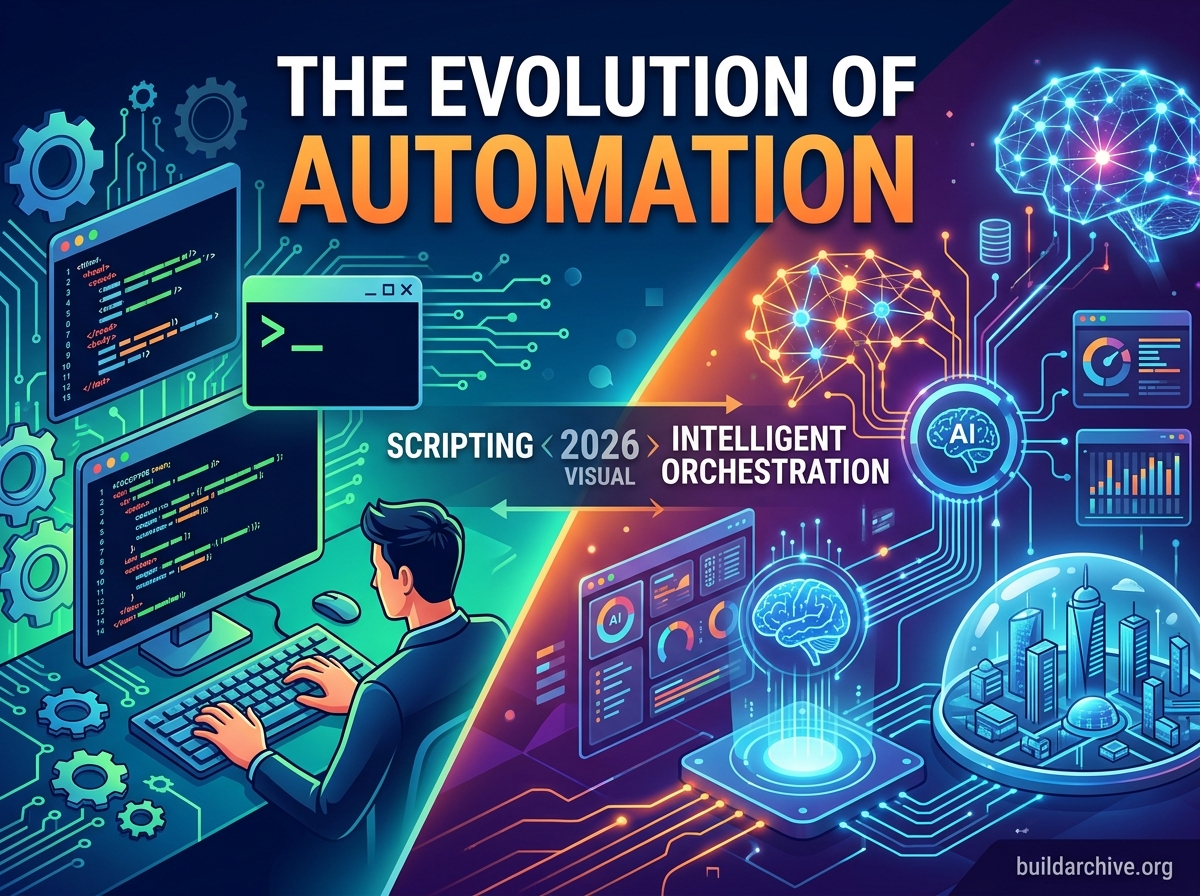
Whether you are automating a simple backup with Bash or orchestrating multi-cloud deployments with Python, the ability to automate thoughtfully is what separates reactive teams from ones that actually sleep well at night. This post looks at the trends currently reshaping scripting and automation, with a focus on what actually matters in practice.
The Rise of Python as the Lingua Franca of DevOps
Bash remains the right tool for quick one-liners and local system manipulation, but Python has become the primary language for anything more complex. The industry trend is moving toward treating automation as “Infrastructure as Software” — scripts held to the same standards as application code, including unit tests, linting, and code review.
Why the Shift is Happening
Modern environments involve Kubernetes APIs, cloud SDKs like Boto3, and a long tail of SaaS integrations. That complexity demands a language with strong library support and enough readability that the person on call at 2 AM can actually understand what a script is doing. Python delivers on several fronts that are increasingly non-negotiable in the industry.
- Standardization: Teams are consolidating away from a mix of Perl, Ruby, and Shell toward a unified Python codebase to reduce cognitive overhead and onboarding friction.
- Type Hinting and Validation: Libraries like Pydantic combined with type hints have made automation scripts significantly more robust, catching entire categories of runtime errors before they reach production.
- Integration with AI tooling: As AIOps matures, Python’s dominance in the data science ecosystem makes it the natural foundation for intelligent automation loops that react to telemetry rather than just a schedule.
Top engineering teams are treating their automation scripts as first-class citizens — running dedicated CI/CD pipelines against them so that a bad automation update cannot silently take down a production environment.
Here is a minimal but real example of the kind of modular, typed Python I use for housekeeping tasks in my own homelab. This script checks whether a given PM2-managed process is running on a remote host and restarts it if not, using parameterized configuration rather than hardcoded values.
#!/usr/bin/env python3
"""
pm2_watchdog.py — Checks a PM2 process on a remote host via SSH and restarts it if stopped.
Designed to run as a systemd timer or cron job.
"""

import subprocess
import sys
import logging
from dataclasses import dataclass

logging.basicConfig(level=logging.INFO, format="%(asctime)s %(levelname)s %(message)s")
log = logging.getLogger(__name__)

@dataclass
class WatchdogConfig:
    host: str
    user: str
    process_name: str
    ssh_key: str = "~/.ssh/id_ed25519"
    dry_run: bool = False

def check_process(cfg: WatchdogConfig) -> bool:
    """Returns True if the PM2 process is online."""
    cmd = [
        "ssh", "-i", cfg.ssh_key, "-o", "StrictHostKeyChecking=no",
        f"{cfg.user}@{cfg.host}",
        f"pm2 jlist"
    ]
    result = subprocess.run(cmd, capture_output=True, text=True)
    if result.returncode != 0:
        log.error("SSH command failed: %s", result.stderr.strip())
        return False
    import json
    processes = json.loads(result.stdout)
    for proc in processes:
        if proc.get("name") == cfg.process_name:
            return proc.get("pm2_env", {}).get("status") == "online"
    return False

def restart_process(cfg: WatchdogConfig) -> None:
    if cfg.dry_run:
        log.info("[DRY RUN] Would restart PM2 process '%s' on %s", cfg.process_name, cfg.host)
        return
    cmd = [
        "ssh", "-i", cfg.ssh_key, "-o", "StrictHostKeyChecking=no",
        f"{cfg.user}@{cfg.host}",
        f"pm2 restart {cfg.process_name}"
    ]
    result = subprocess.run(cmd, capture_output=True, text=True)
    if result.returncode == 0:
        log.info("Successfully restarted '%s' on %s", cfg.process_name, cfg.host)
    else:
        log.error("Failed to restart process: %s", result.stderr.strip())
        sys.exit(1)

if __name__ == "__main__":
    config = WatchdogConfig(
        host="192.168.1.50",
        user="deploy",
        process_name="api-server",
        dry_run="--dry-run" in sys.argv
    )
    if not check_process(config):
        log.warning("Process '%s' is not online. Attempting restart.", config.process_name)
        restart_process(config)
    else:
        log.info("Process '%s' is healthy.", config.process_name)
The dry_run flag is not an afterthought — it is baked into the data model from the start. Running this against production with --dry-run first has saved me from more than one misfire.
From Imperative Scripts to Declarative Orchestration
One of the most significant shifts in scripting is the move from imperative logic — telling the system exactly how to do something — to declarative logic — describing what the end state should look like and letting the script figure out whether any action is needed. This pattern started with tools like Terraform and Ansible, but it is increasingly influencing how custom scripts are written as well.
The practical expression of this is idempotency. A well-written automation script produces the same result whether you run it once or ten times, with no unintended side effects. Instead of blindly appending a line to a config file, a modern script checks whether the line already exists, validates file permissions, and only writes if the current state diverges from the desired state. This matters enormously when scripts run on a schedule or get triggered by multiple systems simultaneously.
Key Characteristics of Modern Automation
Several properties have gone from “nice to have” to effectively mandatory for any script touching production systems. Robust error handling with exponential backoff is essential in cloud environments where transient network failures are a fact of life, not an edge case. Observability integration means automation is no longer silent — scripts push success and failure telemetry directly to platforms like Prometheus or Datadog so teams can monitor automated tasks the same way they monitor services. A security-first approach means credentials never appear in source code; instead, scripts integrate with secret managers like HashiCorp Vault or pull values from environment variables injected at runtime, never committed to a repository.
The Impact of AI and LLMs on Scripting Workflows
It would be dishonest to discuss automation trends without addressing how tools like GitHub Copilot and similar LLM-based assistants have changed the day-to-day workflow. The honest assessment is that they are genuinely useful for generating boilerplate when connecting to unfamiliar APIs, and for translating legacy Bash scripts into more maintainable Python. The productivity gain for those specific tasks is real.
But the trend this has created is subtle and worth naming clearly: the DevOps engineer’s role is shifting from writer to editor and verifier. AI-generated automation code is plausible-looking in a way that can obscure logic errors or security gaps. The value in the workflow is no longer purely in typing speed — it is in the judgment to catch what the model got wrong. “AI-assisted, human-verified” is a reasonable frame, as long as the human-verified part is not treated as optional.
Practical Approaches: Modernizing Your Automation
Applying these trends does not require rewriting everything at once. A few targeted changes move the needle quickly.
Breaking Monolithic Scripts into Modules
A 500-line script that does everything is a maintenance liability. Breaking automation into focused functional modules — each testable in isolation — makes the whole suite easier to reason about and safer to change. Using Poetry or a requirements.txt pinned to specific versions ensures the automation runs identically across your laptop, a CI runner, and a production cron job.
Making Dry-Run Mode Non-Negotiable
Any script that touches production infrastructure should expose a --dry-run flag that prints exactly what it would do without executing anything. This one habit eliminates entire classes of incident. The PM2 watchdog example above shows how this can be integrated cleanly at the configuration level rather than scattered through conditional logic.
Moving Toward Control Loops
The most durable automation is not a one-off script run manually when someone remembers. It is a control loop — a process that runs continuously or on a tight schedule, compares current state against desired state, takes corrective action when they diverge, and reports what it did. In a Kubernetes environment this might be a CronJob. In a homelab it might be a systemd timer. The mechanism is less important than the principle: the system heals itself rather than waiting for a human to notice a problem.
Conclusion
The direction of travel in scripting and automation is clear: away from undocumented, untested one-offs and toward reliable, observable, modular systems that are held to the same engineering standards as production code. Embracing Python, designing for idempotency, keeping secrets out of source code, and building in dry-run modes are not advanced topics — they are baseline expectations for anyone managing real infrastructure.
If your current scripts are undocumented, lack error handling, or exist only on a single developer’s machine, the right first step is not a rewrite. It is version control, then a README, then one automated test. Build the habit before you build the architecture.